Automation
Popular
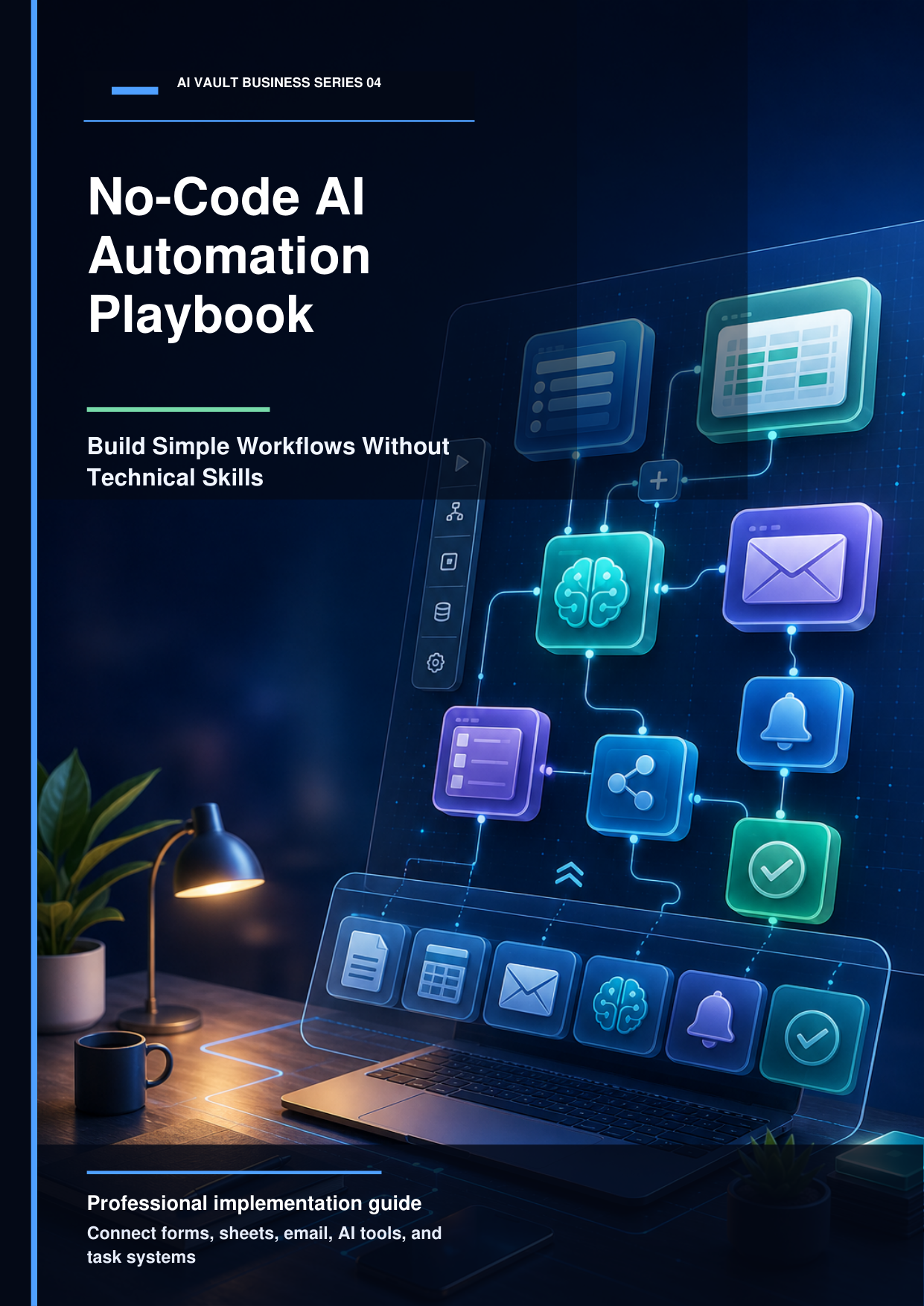
The No-Code AI Automation Playbook
Explains how beginners can connect tools like Google Sheets, forms, email, AI tools, and automation platforms to reduce manual work.
Price
$19.99
$34.99
Connect APIs and build database syncs visually using Zapier and Make.com. Explore our curated playbooks and automation templates below.
Explains how beginners can connect tools like Google Sheets, forms, email, AI tools, and automation platforms to reduce manual work.
Price
In the past, connecting applications and automating databases required hiring software developers. Today, no-code integrations platforms have democratized automation. Visual workflow builders like Zapier and Make.com make it possible to link hundreds of software tools together using simple triggers and actions. This enables small business owners to construct custom automation systems without writing a single line of code.
The true magic happens when you inject artificial intelligence into your automation chains. Instead of simply copying data from an intake form to a spreadsheet, you can route that data through an LLM. The AI can analyze the client's message, classify their request into a specific category, estimate their budget range, and determine the urgency. It then routes the summarized detail to the appropriate Slack channel, ensuring your team responds to high-value opportunities instantly.
When building automations, reliability is key. Always design workflows with error-handling routers. If an external API is down, your workflow should pause and alert you rather than failing silently. By structuring your visual modules cleanly and documenting each step, you can build self-healing pipelines that keep your business running smoothly day and night.
Expand your knowledge with these step-by-step guides from our active blog.
Alex Rivers
6 min readIn 2026, small business automation is no longer a luxury. Here is a review of the top AI-driven tools you can integrate to save hours every day.
Elena Rostova
5 min readA step-by-step beginner guide to building your first automated AI workflow. Connect Slack, Notion, and ChatGPT in less than 30 minutes.
Frequently asked questions about this category's tools and methodologies.