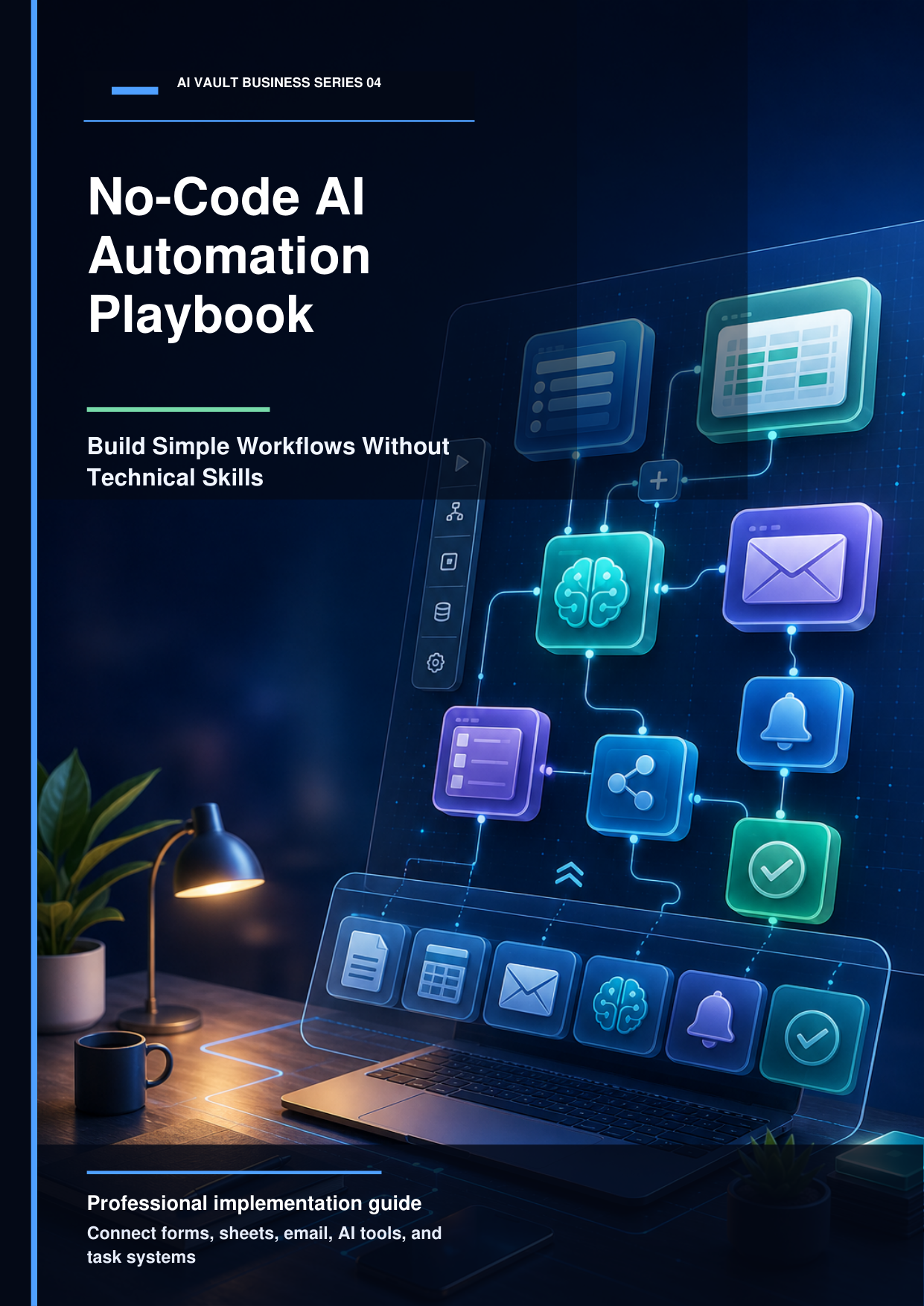
How to Build a Simple AI Workflow Without Coding
Democratizing Automation
You don't need a computer science degree to build software integrations. Visual builder tools make connecting apps as simple as drawing lines. In this guide, we will walk you through building a simple lead parsing workflow that receives an email, summarizes it, and posts it directly to your Slack channel.
Step 1: Setting up the Trigger
Every workflow begins with a Trigger (the event that starts the sequence). We will use a visual tool like Make.com. Set the trigger module to 'Watch Mailbox' or 'Catch Webhook'. This module listens for incoming emails sent to a specific project address.
Step 2: Processing Content with ChatGPT
Once the email is captured, we pass the body text to OpenAI. We use a prompt like: 'Summarize this customer email in 3 bullet points. Identify their main issue, estimated budget, and urgency level.' The AI extracts these details from paragraphs of text.
Step 3: Delivering to Slack and Notion
Finally, we connect a Slack module. We map the summary generated by ChatGPT into a Slack channel message. Simultaneously, we add a Notion module to create a new database row, storing the customer's name, email, and the AI summary. What once took 15 minutes of manual copying now happens in 3 seconds.
Put these insights into action!
Download our step-by-step premium eBook containing ready-to-copy workflows and visual setup manuals.